Investing in a managed PAMM strategy.
How an investor picks a money manager, connects their MT5 account, sets the amount, and tracks the investment. 5 steps, with one gate: the manager must accept.
Discover
Browse managers, review offer terms.
Join
Connect MT5, set amount, accept terms.
Manager accepts
The gate, trades don't run until they do.
Trade & settle
Proportional trading; fees at each rollover.
The one gate to remember
The PAMM master must accept the investment from their side before it goes live. Funds sit pending until then. If a client says "I joined but nothing's happening", check this first.
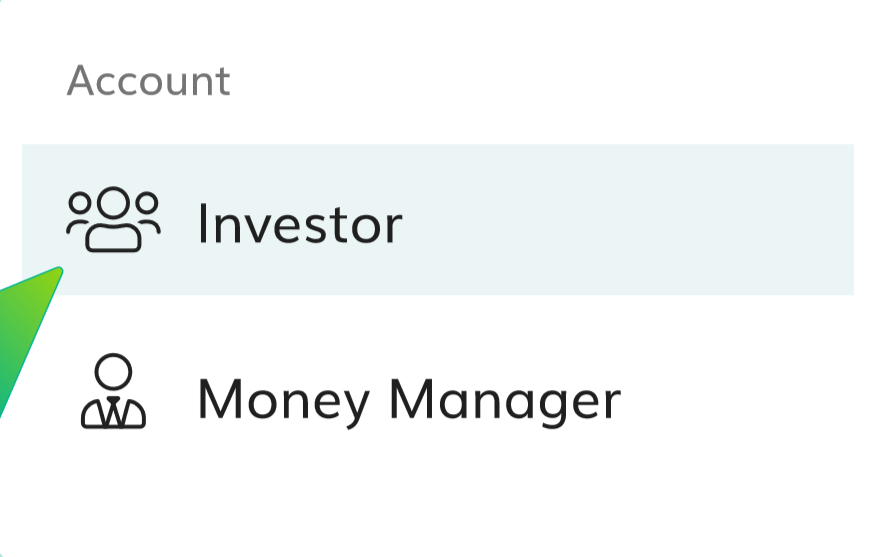
Choose 'Investor'
Open the PAMM client area at pamm.marketsvox.com/app/auth and pick Investor.
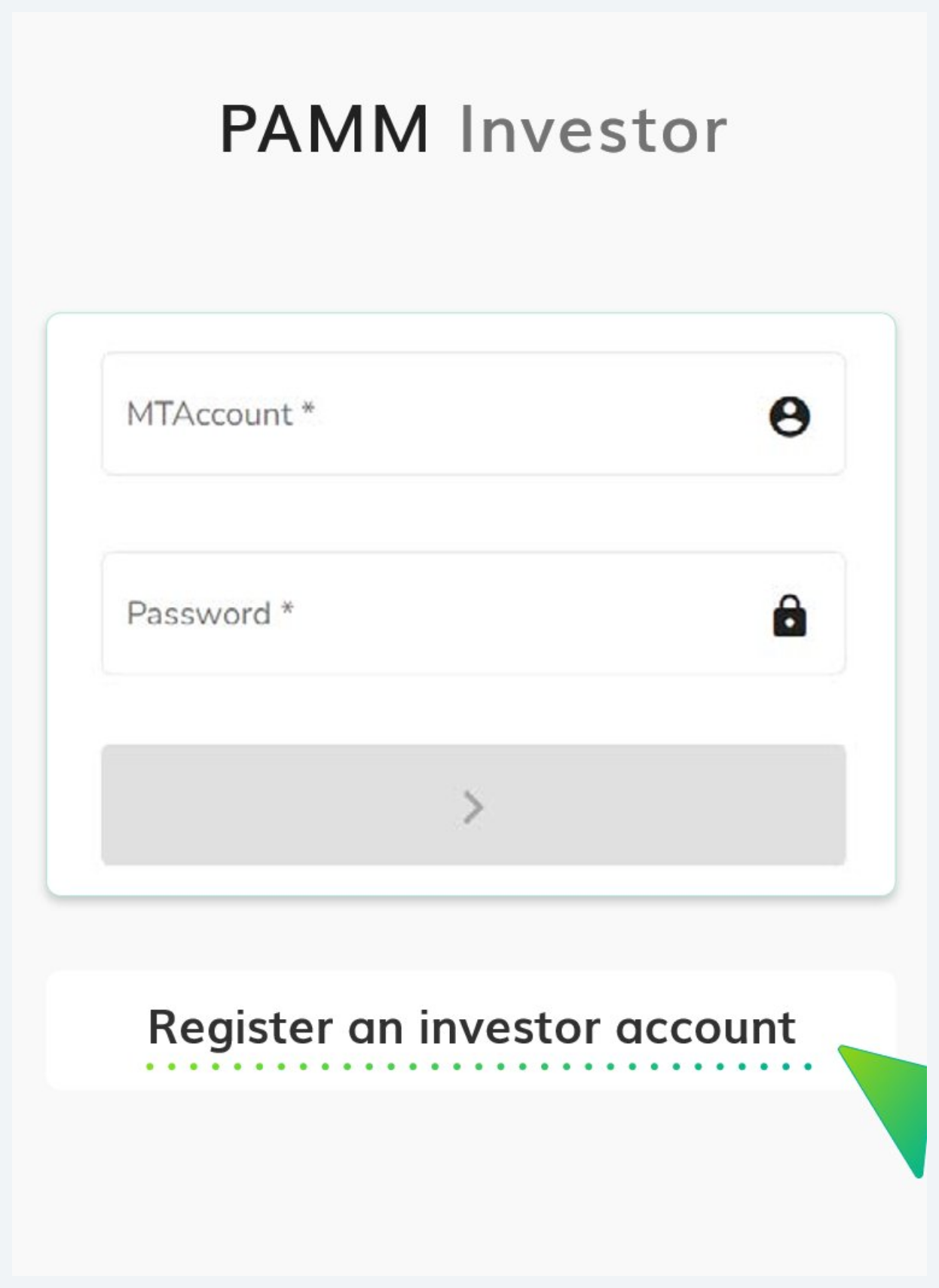
Log in or register
Two paths, pick the one that matches the investor:
- MTAccount number
- Password
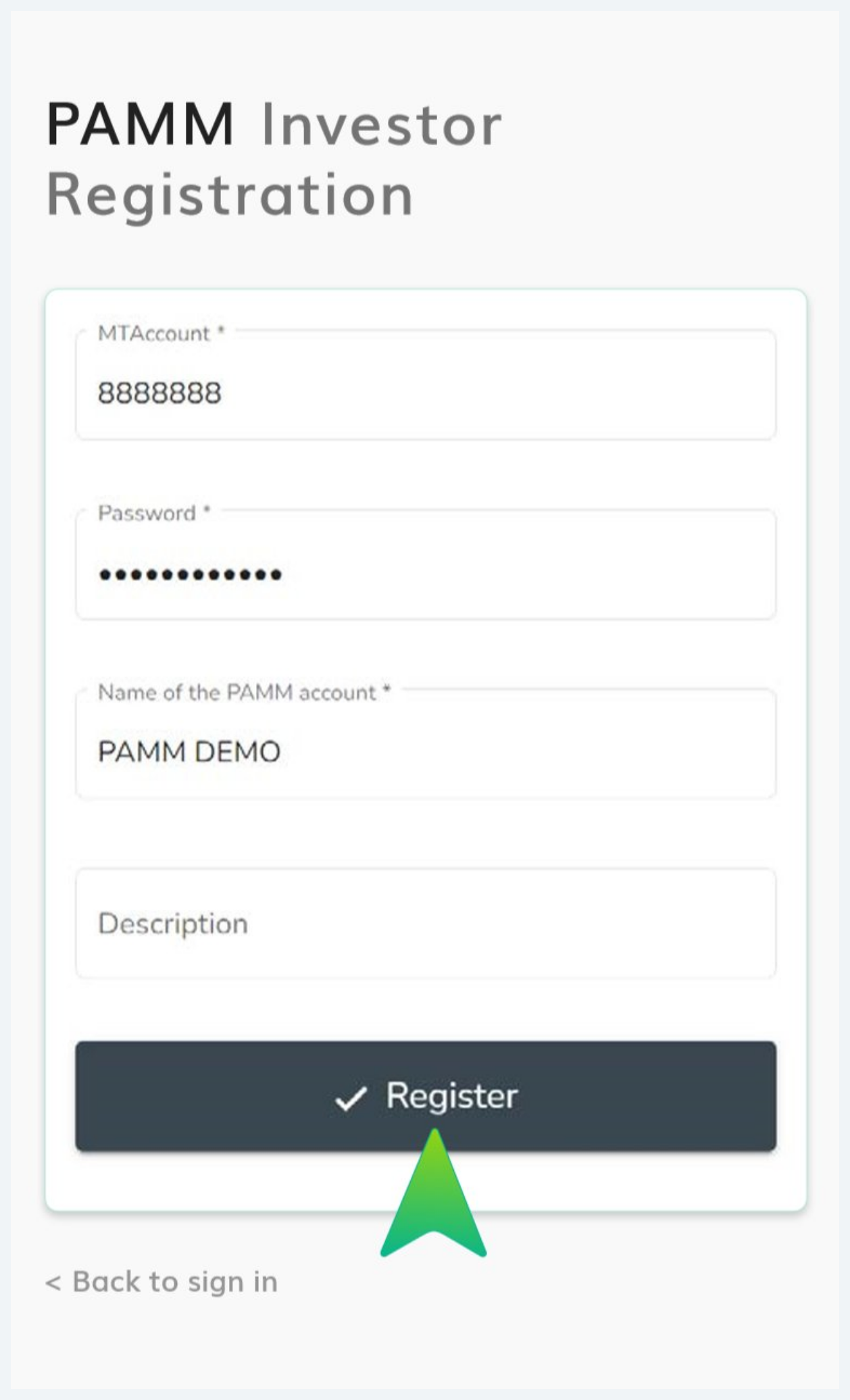
- MTAccount number
- Password
- Name of the PAMM account (used to log in to the PAMM management)
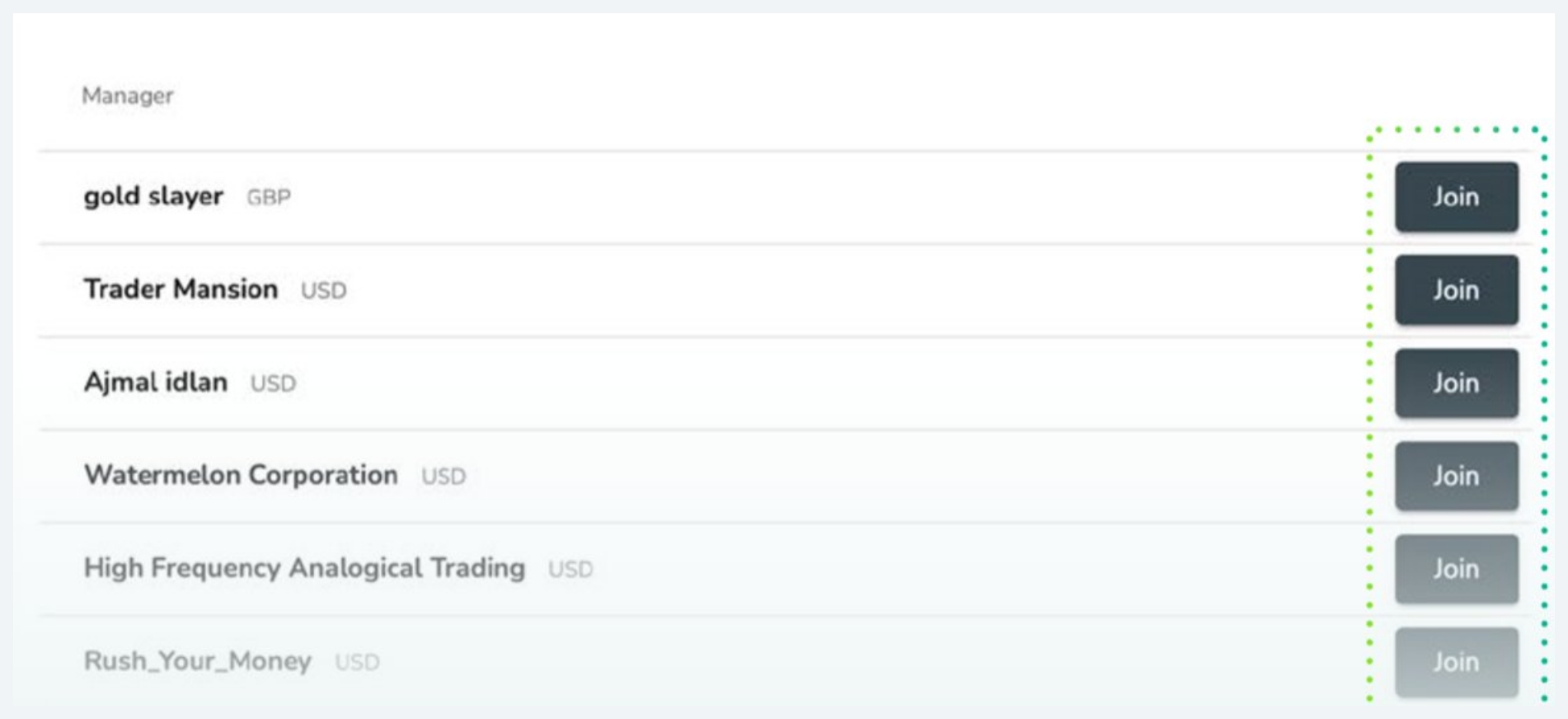
Choose the PAMM & click Join
The Manager list shows every public PAMM, each row has the manager name, base currency (GBP / USD / EUR), and a Join button.
Click Join on your chosen manager to open the offer and connection form.
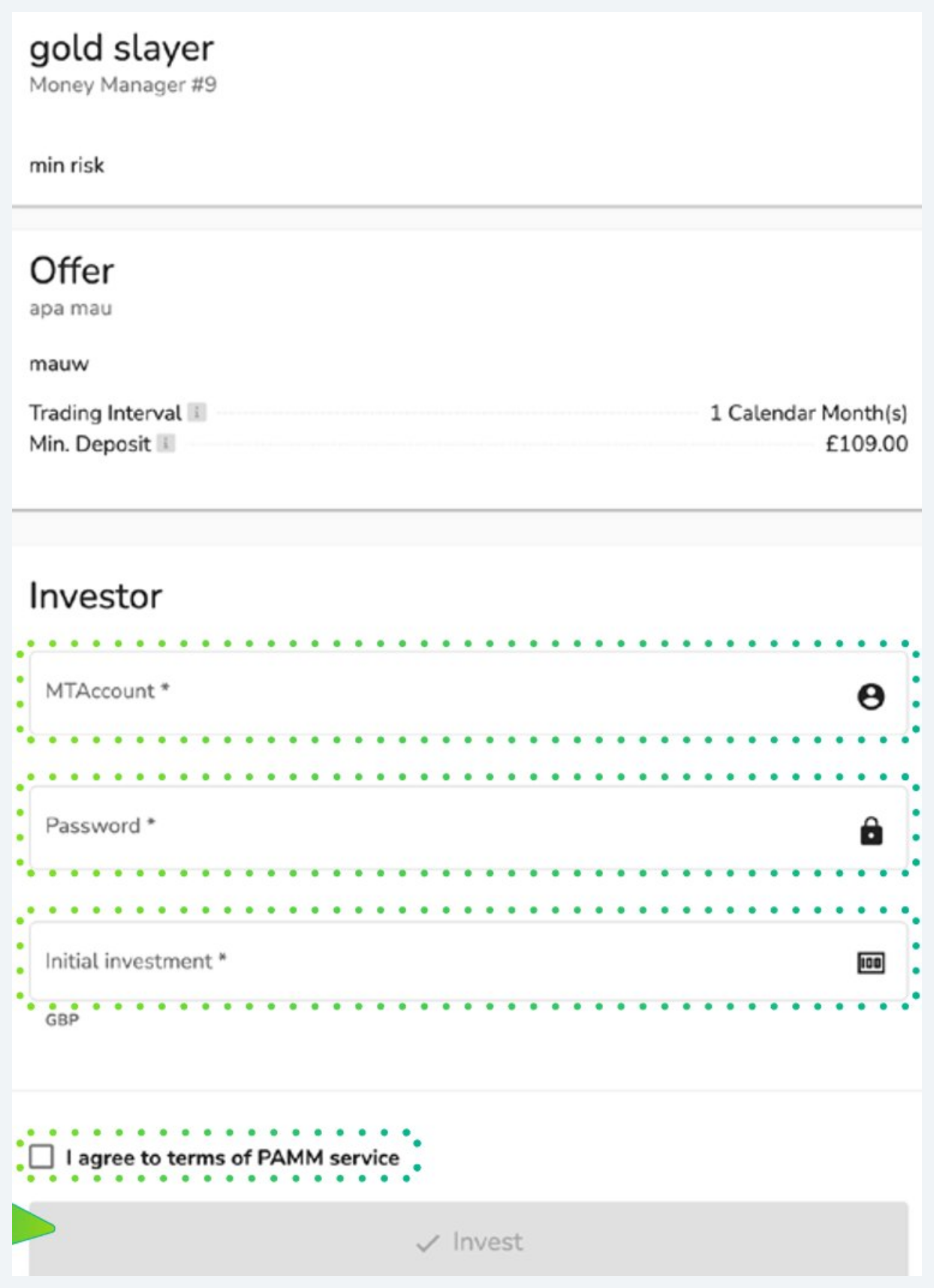
Connect account & set amount
- Manager name & rank · risk descriptor
- Trading interval (e.g. 1 calendar month)
- Minimum deposit set by the manager
- MTAccount + password (your 10X MT5 account)
- Initial investment: must meet the minimum
- Tick I agree to terms of PAMM service
Click Invest to submit the connection request.
PAMM investment area
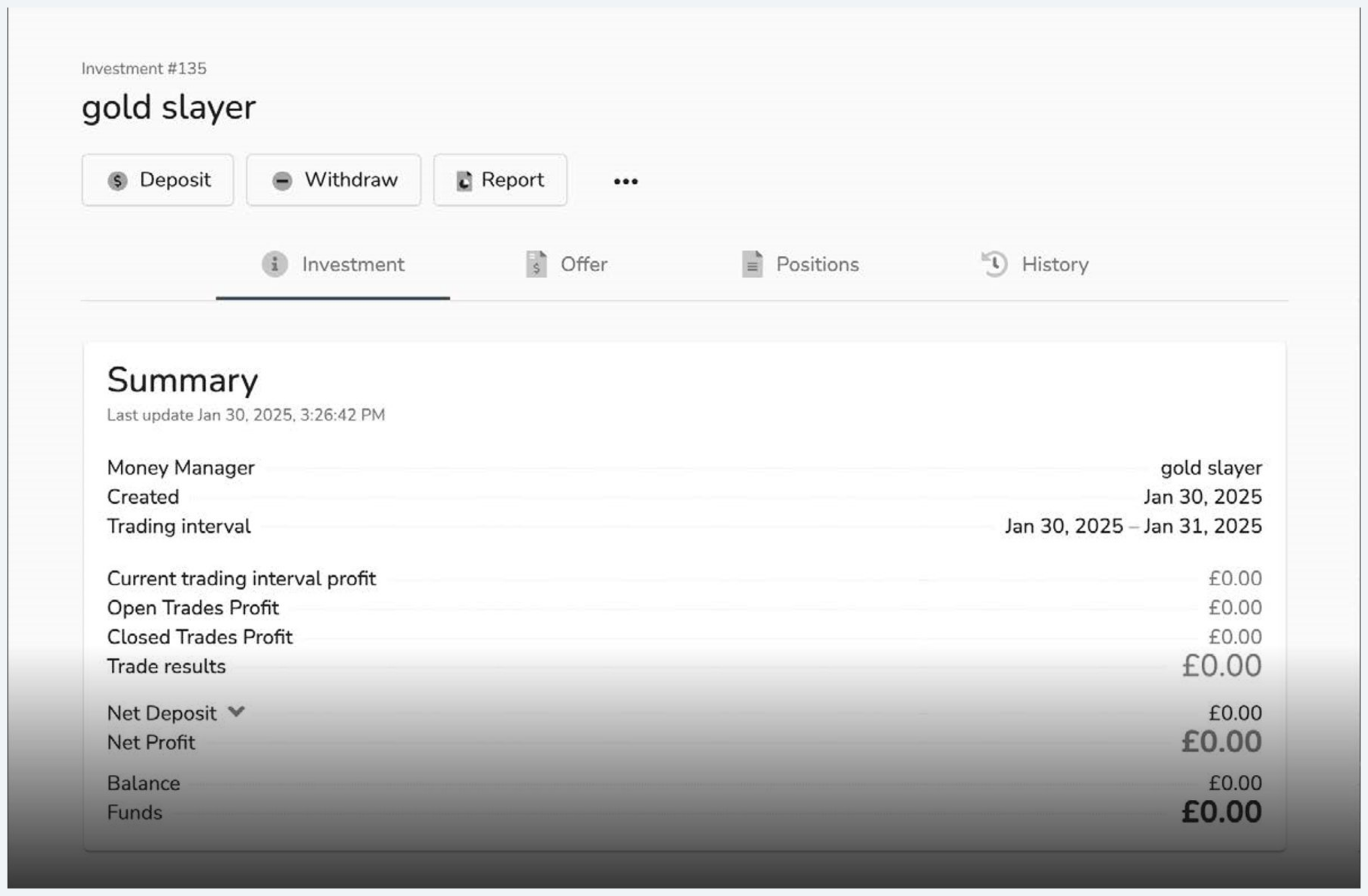
After submitting, the investor lands in the investment area for that position.
- Actions: Deposit · Withdraw · Report
- Tabs: Investment · Offer · Positions · History
- Summary: net deposit, net profit, balance, funds, trade results
Still pending? Manager hasn't accepted
If the area shows balance £0 and no trades, the manager hasn't accepted yet (Stage 03). That's the gate, confirm via the Money Manager.
Investor account registered on the PAMM portal
Connection submitted with a valid initial investment (meets minimum, terms accepted)
Manager accepted the investment, the gate
Confirm via the Money Manager, not the investor view.